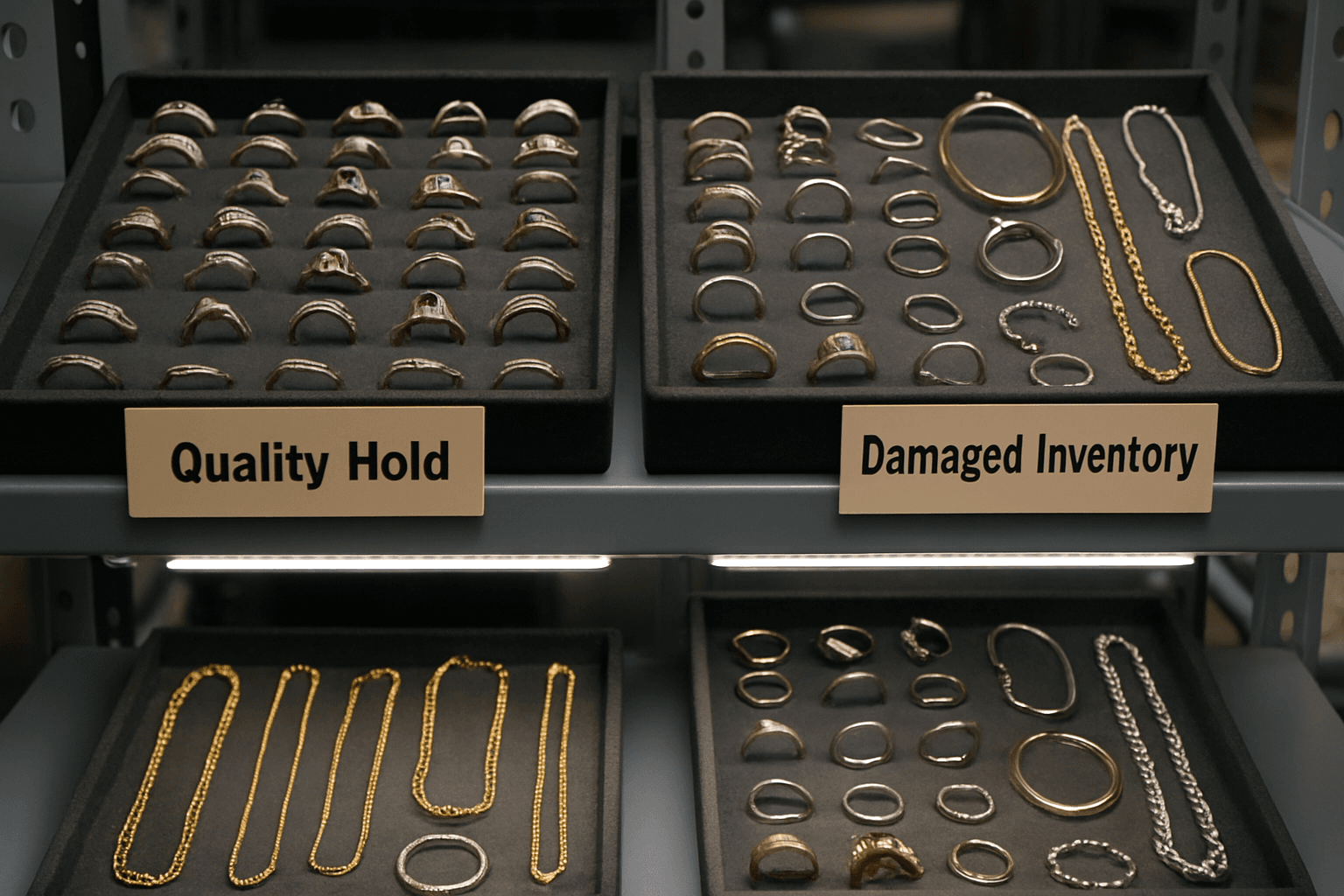
Give damaged or unverified jewelry a separate tray and a matching inventory record before it can be picked for an order. The workflow below is a suggested process for a small jewelry business using Shopify. It includes a hypothetical stock count, worksheet fields and a release checklist; it does not prescribe jewelry testing standards.
Shopify inventory states include Available (sellable units), Committed (units reserved for orders), and Unavailable (units set aside such as damaged or quality control). Understanding inventory states.
Shopify Inventory States Relevant to Quality Hold
Shopify organizes jewelry inventory into distinct states that clarify stock status within your system. "Available" inventory refers to sellable units not committed to orders or set aside. "Committed" inventory covers units reserved for placed orders or drafts. "Unavailable" inventory includes units held for reasons such as damaged condition or quality checks. "On hand" is the total physical quantity, summing Available, Committed, and Unavailable stock at a location. "Incoming" means shipments not yet received onsite.
A physical move and a stock-record change are separate actions. Check both: a ring moved into a hold tray can still appear sellable online if its inventory state has not been updated.
Use your physical hold log alongside the Unavailable quantity when reviewing held stock. This is a suggested operating process, not a separate Shopify quality-hold report.
Intake Workflow: From Physical Receipt to Quality Hold Tray Labeling
When new jewelry stock arrives, first perform a physical count and inspection for damage or quality issues. Document any findings immediately.
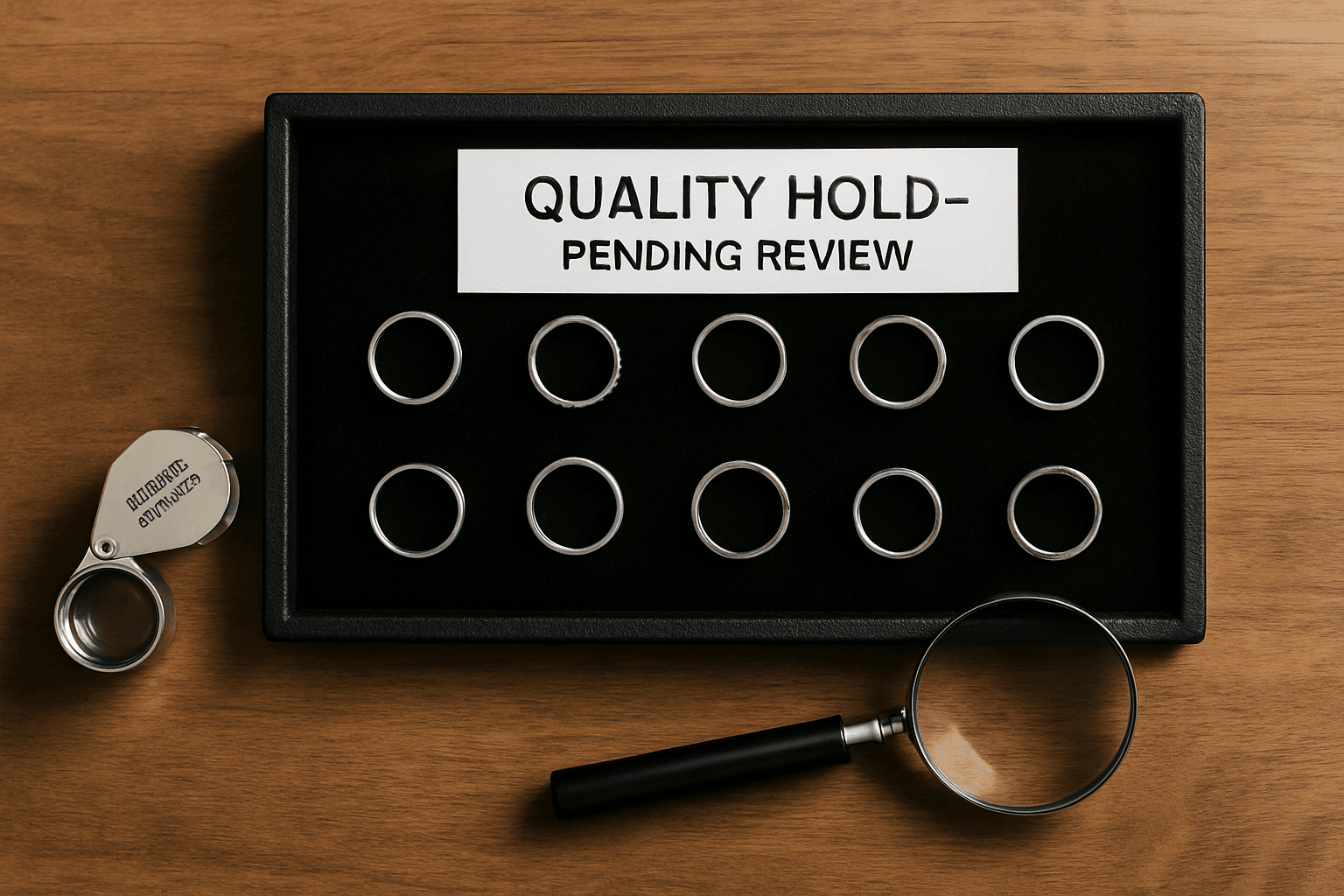
Assign physical trays or bins for each item batch and label them clearly. For items pending quality checks or found damaged, use dedicated marker labels such as 'Quality Hold - Pending Review' or 'Damaged Inventory'. These labels should be visible to warehouse and inventory staff to prevent accidental mixing.
Store these trays separately from sellable stock to enable quick visual identification and minimize handling errors. Maintain a log associating tray IDs with product SKUs and quantities for accurate tracking.
Shopify offers 'Set to' and 'Adjust by' inventory adjustments. With 'Adjust by', you select where inventory comes from and where it goes. Adjusting inventory quantities.
Adjusting Inventory States in Shopify for Quality Hold
After physically segregating quality hold stock, update Shopify to reflect this separation by adjusting inventory quantities.
Use the 'Adjust by' method to move appropriate quantities from your store location (Available) to the relevant Unavailable state such as 'Quality control' or 'Damaged'.
Check the saved adjustment history after moving units. Shopify records the origin and destination for an Adjust by movement; its documentation also notes that the Add reason option is not available in the mobile app. Keep the operational reason and next action in your own hold log.
Damaged and Quality control are unavailable inventory states. For an Adjust by movement, Shopify records the origin and destination in adjustment history. Adjusting inventory quantities.
- Select origin as your store location and destination as the correct unavailable state.
- Record the operational reason in your hold log; an unavailable state is distinct from an optional adjustment reason.
- Save all adjustments after review to finalize inventory update.
- Use Shopify adjustment history to monitor quality hold movements.
Monitoring and Reconciling Inventory States for Jewelry Quality Hold
Use the Inventory page to display Unavailable quantities and narrow the list by quantity or other supported filters. Keep the distinction between damaged items and pending checks in your hold log; the retrieved guide does not establish a separate filter for every unavailable reason.
Reconcile Available, Committed, and Unavailable quantities regularly to verify that physical stock matches Shopify records, particularly after inspections or releasing items from quality hold.
Document discrepancies and investigate causes such as mislabeling or missed adjustments to reduce future errors. This reconciliation supports inventory accuracy essential for customer satisfaction and loss prevention.
Shopify Inventory page filtering and sorting features allow managers to monitor Available, Committed, and Unavailable inventory separately, supporting quality hold stock review. Viewing inventory.
- Compare the Unavailable quantity with the items physically held for that variant and location.
- Separate pending checks from damaged items in the hold log.
- Reconcile after a release, removal or move between locations.
- Investigate a mismatch before changing quantities to make the totals agree.
Hypothetical Worked Example and Reconciliation Worksheet
Suppose a jewelry business receives 100 units of one ring variant at a single location. Its example SKU is RM-001-S: RM-001 identifies this hypothetical design and S is its size code. Assume there are no existing units, no committed orders and no other stock movements during the example. The initial received quantity is 100 Available. Inspection identifies 10 damaged units and 5 that need a further check.
The 10 damaged units are placed in a tray labeled 'Damaged Inventory - RM-001-S' and 5 in a tray labeled 'Quality Hold - Pending Review - RM-001-S'. The remaining 85 units remain in the sellable stock trays.
Move 10 units from Available to Damaged and 5 from Available to Quality control. The hypothetical reconciliation is now: 85 Available + 0 Committed + 15 Unavailable = 100 On hand. Holding stock does not mean it has physically left the location. If actual orders or other movements occur, include those changes when reconciling; the example assumes none.
A hold log you can copy into a worksheet
Use one row for each held batch of a variant at a location. These proposed fields make the next action visible without requiring a separate stock-control system:
- Hold ID, date received, variant SKU and location.
- Tray or bin ID and quantity physically held.
- Reason: damaged or pending a further check.
- What was observed, with a photo reference if useful.
- Person responsible, next action and target review date.
- Inventory movement date and adjustment reference.
- Final decision, quantity released or removed, and date completed.
An example row could read: H-002; RM-001-S; main location; tray Q-02; 5 units; pending surface-finish check; assigned to the production lead; follow-up on Friday. Record a description of the issue, not an unsupported claim that the item passed a safety or material test.
Release or remove the held units deliberately
In this hypothetical process, the responsible person records the outcome before someone moves stock back to a sellable tray. Use the inspection criteria appropriate to your own products; this article does not define those criteria.
- Confirm the variant, location and held quantity against the log.
- Record the decision and who made it.
- For units approved for sale, move the matching quantity from the unavailable state back to Available and relocate the physical items.
- For units leaving the location, record the appropriate removal rather than making them Available.
- Check the saved adjustment and reconcile the remaining tray count.
If the five pending units in the example are all released, with no other movements, the totals become 90 Available + 0 Committed + 10 Unavailable = 100 On hand. If the ten damaged units are then removed from this location, record that separate removal: On hand becomes 90. The hold log should show both decisions and quantities.
Related guides
Learn how to build an inventory system that complements quality hold processes by managing overall stock accurately. Jewelry Inventory Management: How Small Brands Build a System That Actually Works.
Create clear SKUs to help identify and track jewelry items across quality hold and available inventory trays. A Jewelry SKU Naming System for Sizes, Metals and Styles.